Description
The module allows users in the rolr "Organisation Administrator" to download existing journal files as a ZIP file.
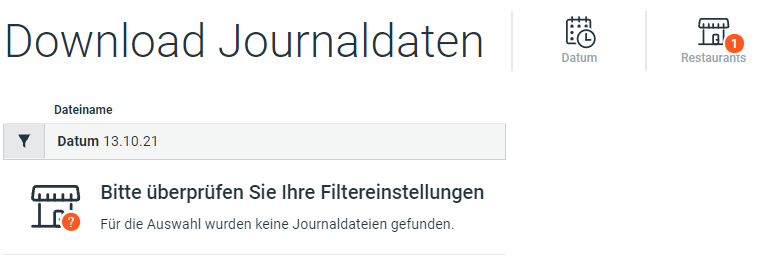
The user selects a restaurant and a business day and clicks on the “Apply Filter” button.
If journal files are available for the selection, they are displayed and the user can select which files to download. Clicking on the button “Download files” starts the download and the selected files are downloaded as a ZIP file.
If no journal data is available for the selection, a corresponding message is displayed.