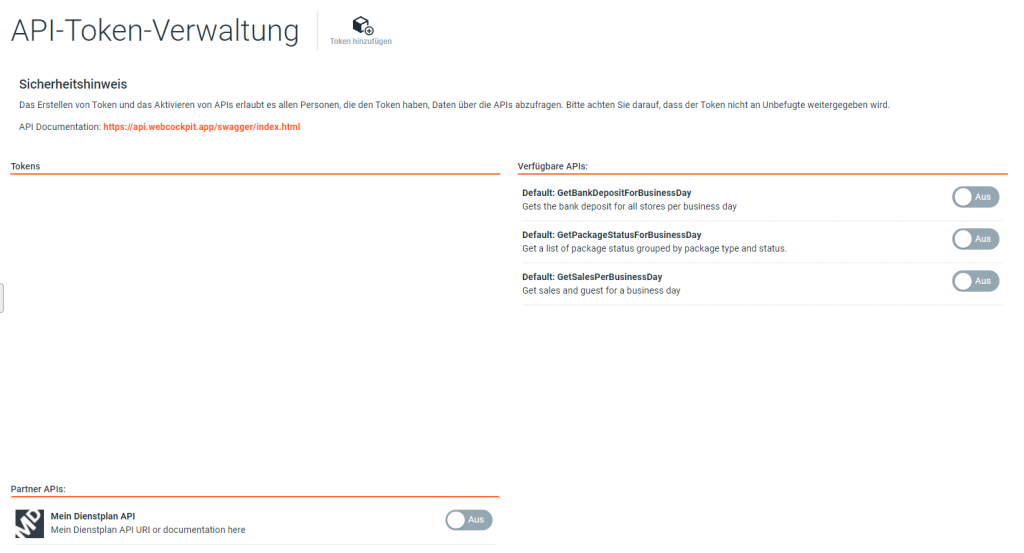
Description
About Webcockpit Connect (REST-API)
Webcockpit REST-API enables programmatic access to restaurant data (REST Wikipedia). Webcockpit APIs are maintained and further developed independently of the existing Webcockpit reports and apps. We implement new APIs on request.
API Endpoints
Webcockpit REST-API follows the OpenAPI Specification – Version 3. All available API requests and their data models are documented on the page mentioned below.

Documentation: https://api.webcockpit.app/swagger/index.html
Call API Endpoint
API endpoints can be tested e.g. with the programme Postman.
Settings Header
Key: X-Api-Key
Value: [API Key]
Settings Body
Typ: raw / JSON
Example
https://api.webcockpit.app/api/api/Default/getsalesperbusinessday
{
“StoreId”:”12345″,
“From”:”2020-08-29T00:00:00.000Z”,
“To”:”2020-08-31T00:00:00.000Z”,
“CountryCode”:”XY”
}