


User Settings

Open user settings

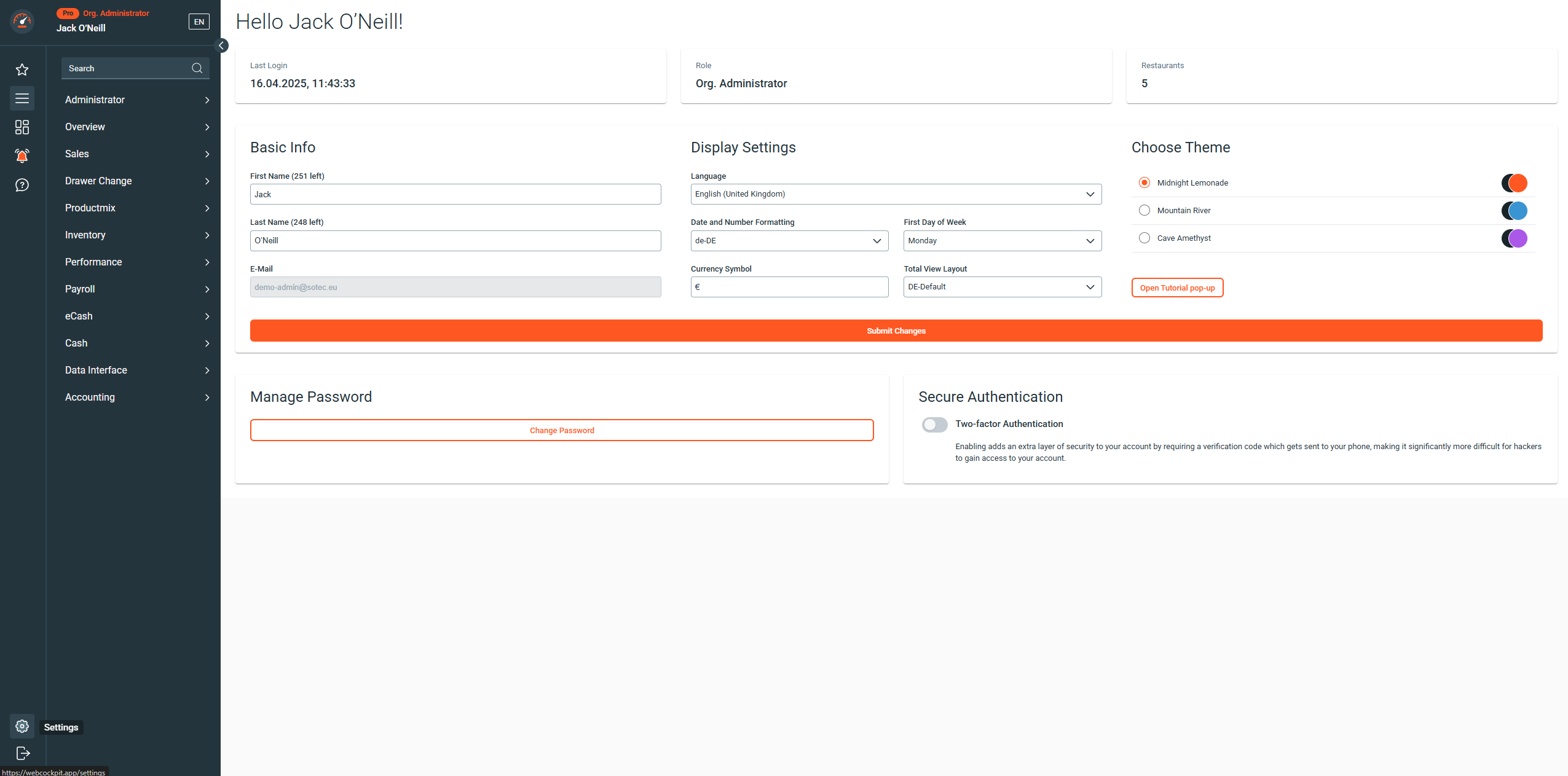
To open the user settings, simply click on the settings icon at the bottom left of the window.

Overview

The overview contains user-specific information, such as the last login date, the role and the number of assigned restaurants.

Notifications managed by the respective administrator are also displayed here.

Basic Info

Change of first and last name.

Display Settings

Change the language, formatting, currency, layout Total View and color scheme.

Manage Password

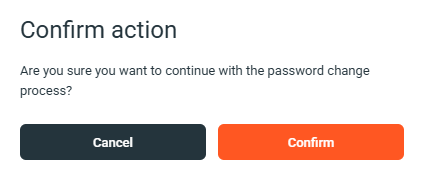
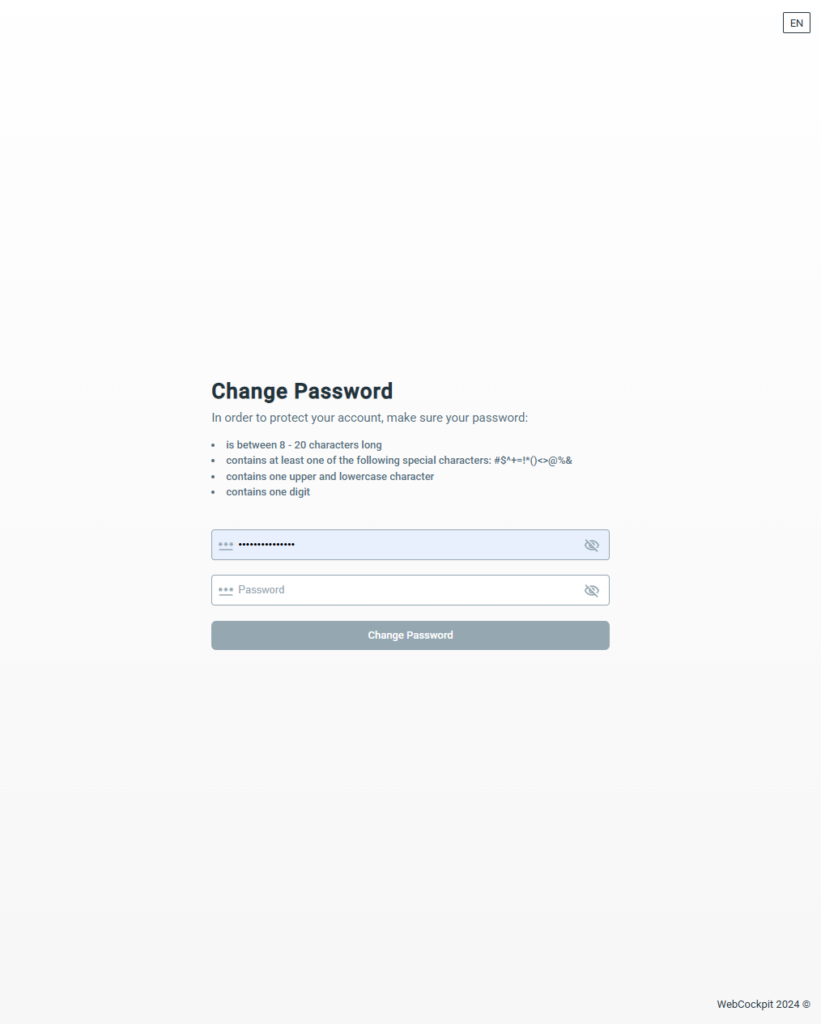
After clicking Change Password and confirming, a password reset link will be sent to your registered email address. Follow the link in the email to set your new password.

Secure Authentication (MFA)

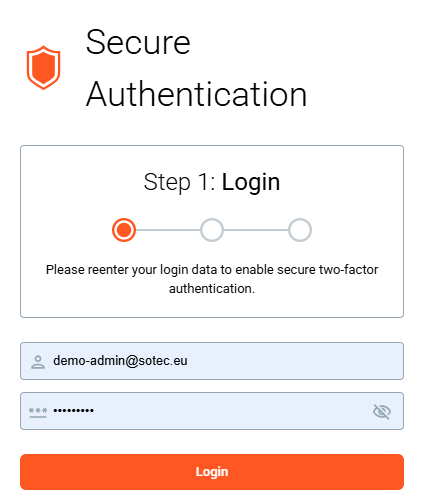
Enabling adds an extra layer of security to your account by requiring a verification code which gets sent to your phone, making it significantly more difficult for hackers to gain access to your account.

More Information: Documentation

Was this helpful?